
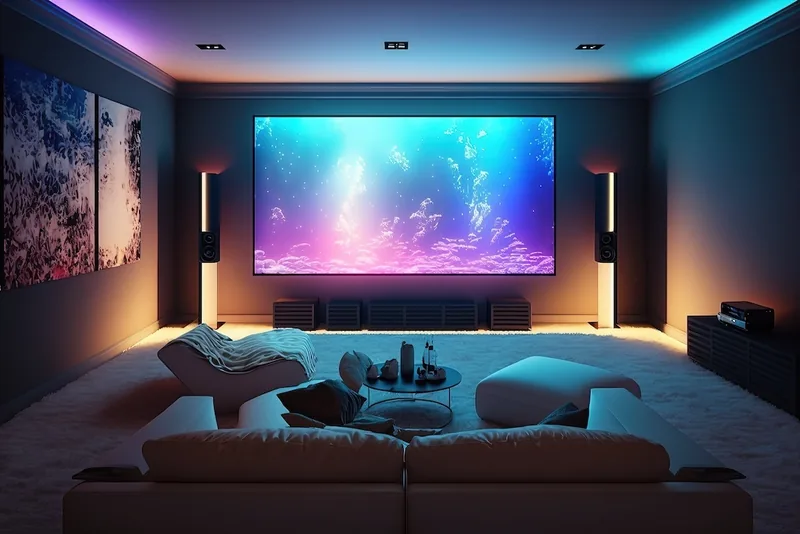
Build the layout around the seats
Choose the main viewing position first, then compare screen size and height. For multiple rows, check whether people in front block the lower picture or subtitles. A single-row living-room arrangement and a raised second row require different sightline decisions.
Reserve space for sound
Plan the center speaker or soundbar with the television. Keep speaker openings unobstructed and follow the audio equipment's placement requirements. Do not raise the screen substantially just to squeeze a large speaker underneath without testing the resulting view.
Control reflections and distractions
Try the proposed wall with the room lighting and curtains in their normal positions. Gentle controllable lighting can help people move safely without shining onto the screen. Avoid placing bright indicator lights or reflective decorative pieces directly beside the picture.
Design a serviceable equipment path
List the receiver, consoles, streaming devices and other sources. Plan ventilation, cable lengths, labels and access to connections. A clean installation should not require removing the television every time a device needs to be restarted.
Test the complete system
Check each input, sound output and remote-control function before the final cable tidy-up. Verify the formats you intend to use through the complete chain of source, cable, receiver and TV.
If you are still choosing between a television and projection, our TV-versus-projector guide explains the placement and installation differences. Share the room dimensions and equipment list when asking about mounting scope.
Include the sources you will watch
List the streaming device, disc player, console or receiver before planning the connection points. Our home TV streaming guide explains how to interpret streaming figures and apply the useful questions to your own setup.