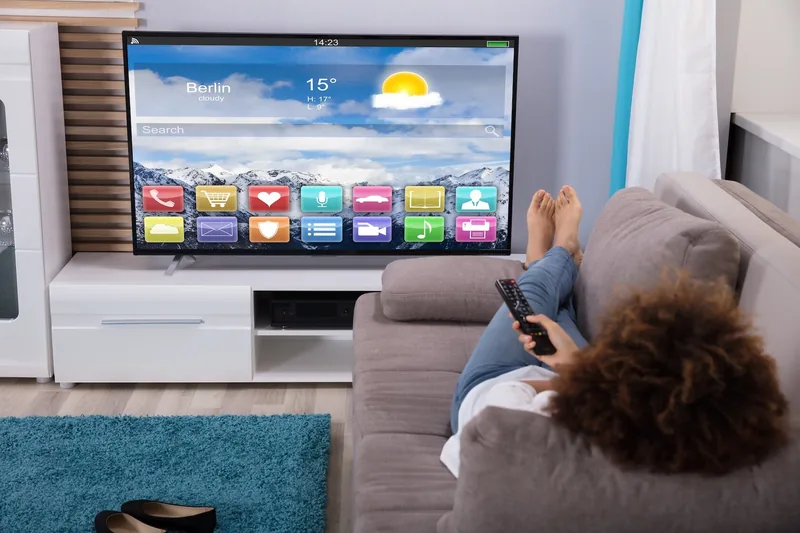
A streaming device may be enough
If your older television still has a good picture and a compatible input, an external streaming device can add access to supported apps without replacing the display. Check the TV's connections first. An HDMI input is the simplest common route, but verify the device requirements and the services you want to use before purchasing.
Inspect connections and power
Make sure the selected HDMI socket will remain accessible after wall mounting. Some streaming sticks need space beyond the port or a short extension supplied by the manufacturer. Use the device's specified power arrangement; a television's USB port may not supply the required power or may turn off with the TV.
Test everything before hiding it
- Connect the streaming device while the TV is easy to reach.
- Complete its network and account setup yourself.
- Test picture, sound, remote control and the apps you use.
- Check reception in the intended final device position.
- Allow ventilation and leave a way to reach cables or reset the device.
Do not share account passwords in a booking form. Have your phone and account access available during setup so you can complete sign-in securely.
When replacement is the better option
A streaming add-on will not fix a damaged screen, unreliable power supply or missing input features. Adapters for very old connections may add complexity and do not guarantee that every protected video source will work. Compare the cost and reliability of the complete arrangement before buying several accessories.
If you also want to mount the TV, check its weight and mounting points separately. Adding smart features does not change the television's physical compatibility with a wall bracket. See our older-TV mounting guide.