Turn the screen toward the seat you use
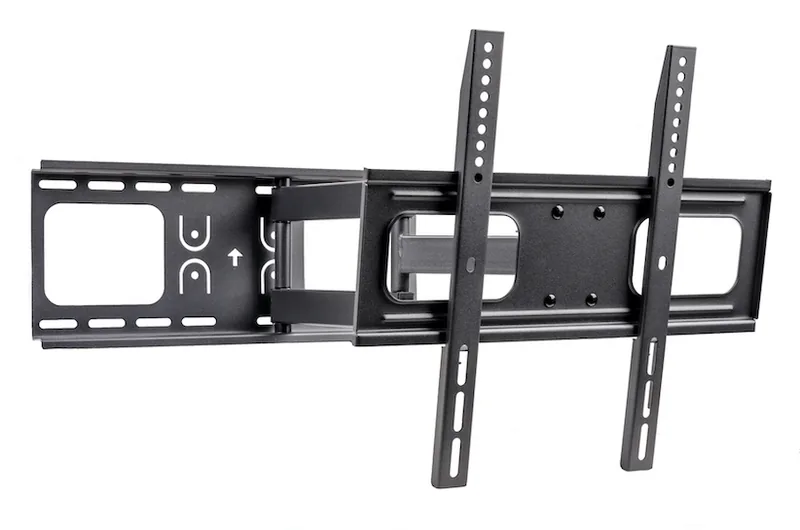
A full-motion bracket can extend and swivel the TV, which is useful for an offset wall, a corner layout or a screen shared between living and dining areas. It can also make rear connections easier to reach when the equipment needs service.
Measure the usable range
The arm's movement is only part of the geometry. A wide screen may hit the wall at a smaller angle than the bracket itself permits. Tape out the TV width and check how far its edges need to move. Include a mounted soundbar and any nearby cabinet or mantel.
Extension changes the load on the wall
Moving the weight farther from the wall increases the turning effect on the attachment. That is why the mount's permitted wall construction and installation instructions matter as much as its weight rating. Do not assume an attachment used for a fixed bracket is also suitable for an extending arm.
Give the cables a movement plan
Provide enough cable length for the intended extension and swivel, while keeping loops away from joints and sharp edges. Test the complete movement with all equipment connected. A cable that looks tidy when folded can pull on a port when the TV turns.
Full motion is useful when you will use it. If your television always faces one seat, a fixed or tilting bracket may offer a simpler, shallower arrangement. See a real Big Sur full-motion installation for one completed TV-and-soundbar configuration.